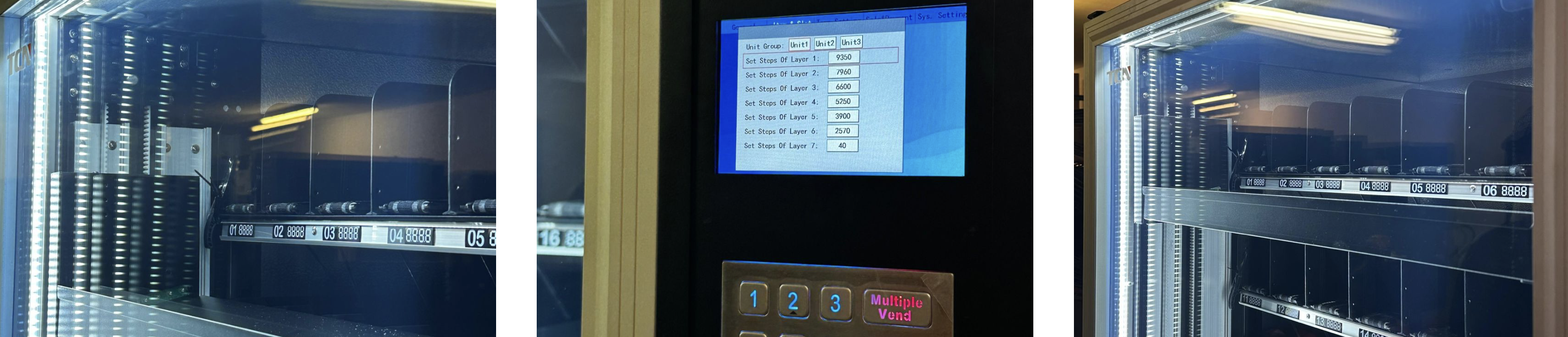
Access to the vending machine backend (5-inch display)
Admin password
Default (change it later!): 123456, 888888, 000000 or 123123
Log in
Log into the backend on the 5-inch display.
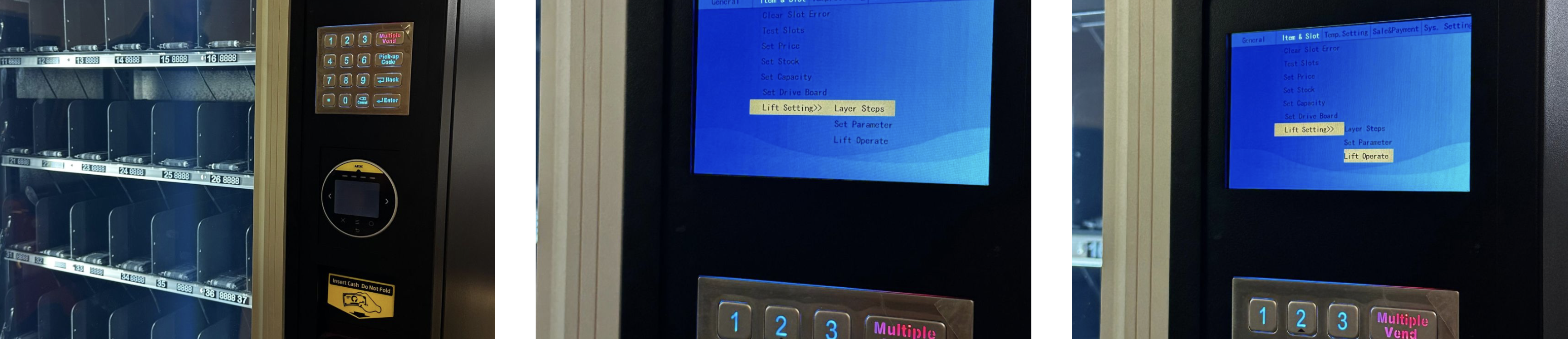
Open menu
Navigate to: Item & Slot → Lift Setting.
Open lift operation
Select Lift Operate.
Check current values
Here you can see which height the lift goes to on each level.
Example: Layer 1 = 9350 → The top push goes to height 9350.
Example test on 9350
Run a test with Layer 1 = 9350 and watch the output position.
Adjust height
Change Layer 1 to 9000 (or your target value).
Input is via the Keypad.
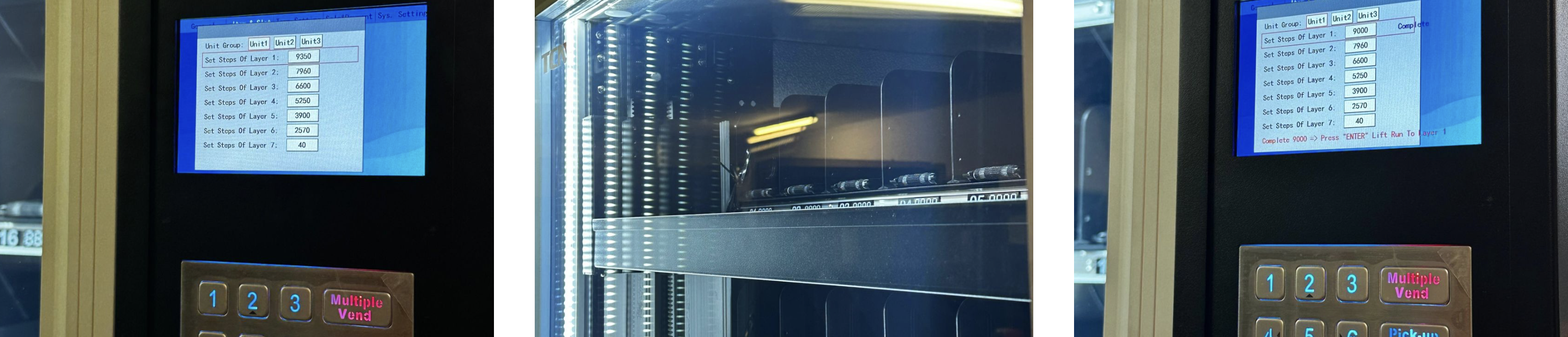
Check result
If the lift doesn't go up high enough or goes up too high, change the value bit by bit (e.g. ±50/±100) until output works cleanly.
Reset (if needed)
Set back to 9350 if needed to restore the original state.
Final test
Test again with Layer 1 = 9350 (or your optimized value).
Goal: The lift reaches the optimal approach height, and the product is dispensed smoothly.