 General – What does Nayax offer?
 Overview of your sales
 Display of sold products
 Insight into the current stock of your vending machines
 Check how much cash in the vending machine there is
 Warnings when products are sold out
 1. Onboarding
Data we need from you:
Name of your business
First and last name
Position within the company
Billing address
Phone number
Email address
VAT ID
 Once you've sent us this info, we'll forward everything to Nayax. Shortly after, Nayax will reach out to you directly for verification.
Alternatively:
Self-registration for your Nayax device → Registration email to: deaccounts@nayax.com
Note: If you want to offer tobacco products in your vending machine, this must also be noted in your business license. Plus, Nayax needs a photo of your machine where the Nayax module and the document reader are visible. (You can also submit this photo later, after your machine has arrived.)
 2. Legitimation
Legitimation is legally required (bank & tax rules). Nayax will usually contact you by email for this.
Required documents:
Scan of the front & back of your ID card
Business registration
Scan/screenshot of a bank statement (IBAN + name visible)
For companies: also documents of all shareholders + shareholder agreement
 3. KYC (Know Your Customer)
Filling out the Nayax forms & contracts
All info checked by Nayax
Once confirmed: your contracts are active
Congrats: Your Nayax module is ready to go 
 Costs & Fees
 One-time setup and activation fee: 25 € per device
Monthly basic fee: currently 14 € (as of March 2025)
Transaction costs: 2.5% per payment, for transactions under €2 a fee of 4% and for transactions between €2 and €5 a fee of 3.5% (as of March 2025)
 Nayax telemetry systems
Web access with detailed overviews
Display of revenue, cash, inventory & sales
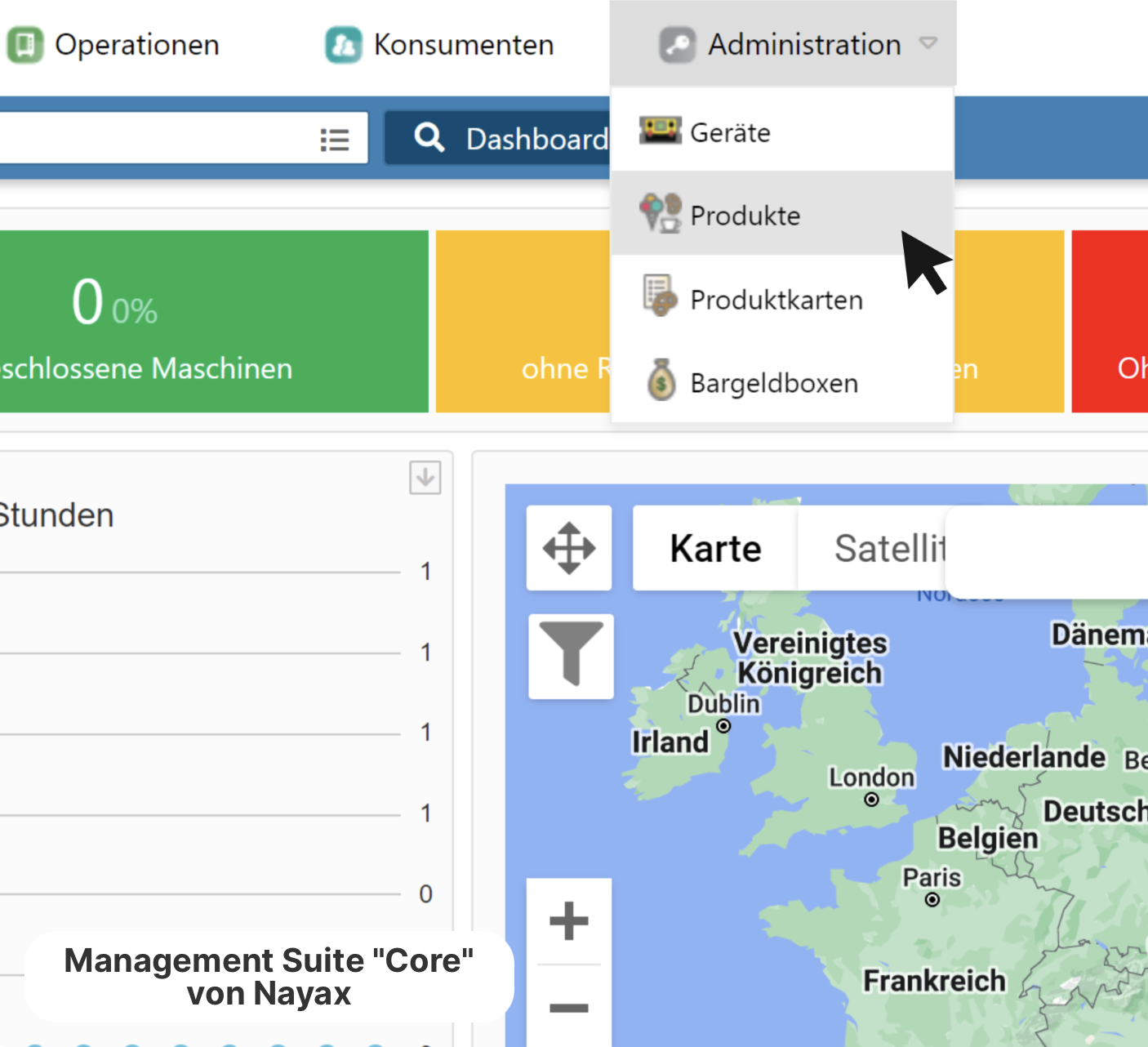
(Management Suite Dashboard)
 MoMa App – Mobile Management
Instant notifications about problems with machines
Revenue & status overview right on your smartphone
Free download in the App Store / Google Play
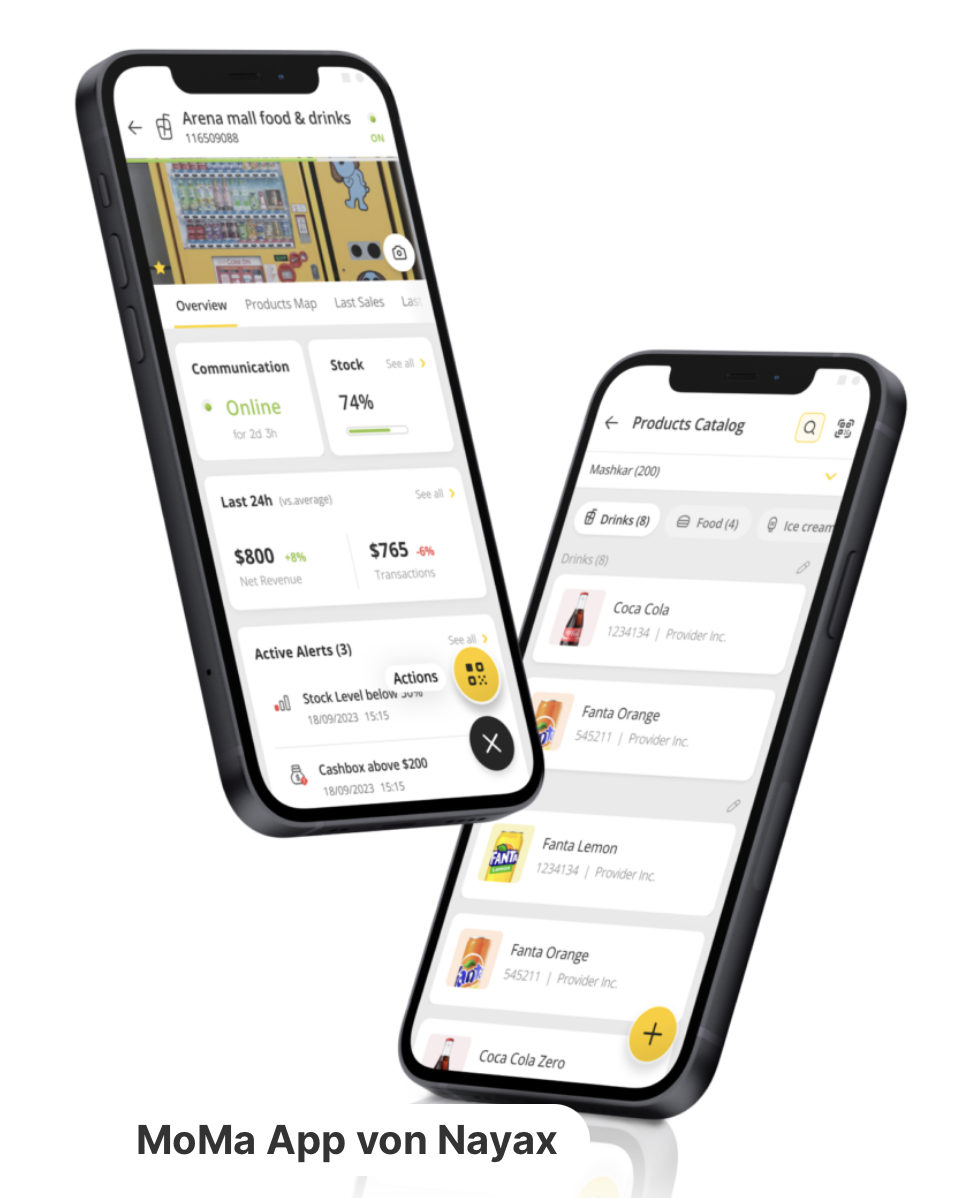
(MoMa App)
 More links

