 Step 1: Check the error message
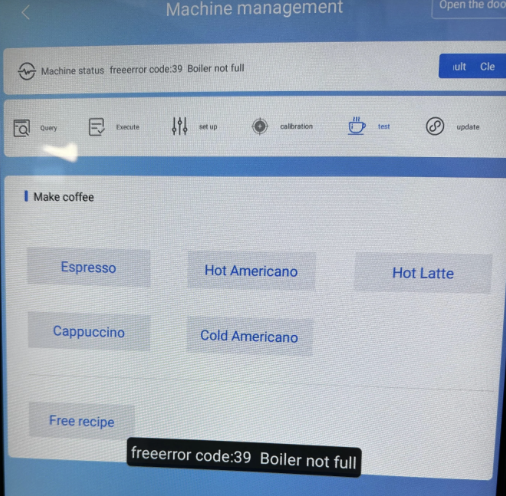
The display shows the message: Error 39
The error code points straight to the boiler: The machine can’t detect it or says it’s not filled.
(Insert screenshot Error 39)
Step 2: Access the admin menuTap the ID bar several times to get to the login menu.
Enter your admin password. Default passwords are usually:
000000
888888
123456
123123
After a successful login, the admin menu will pop up.
Select the debug entry there.
 Step 3: Check boiler status
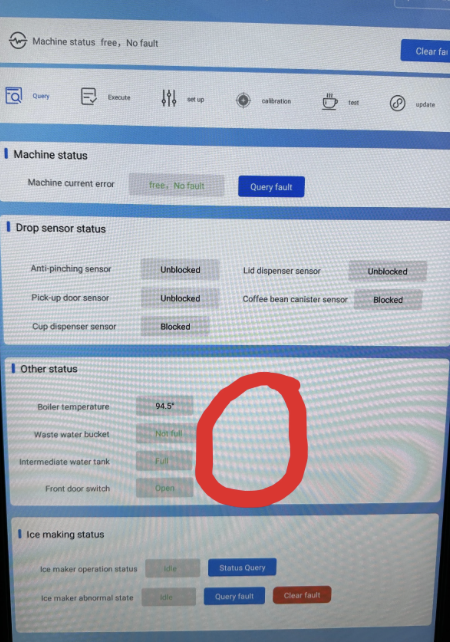
In the debug menu, you'll see an overview of all components.
There Boiler should be listed.
If you see the message “Boiler fill up” next to the boiler entry, it means the boiler was detected but still needs to be set up or filled.
In this case, click on “Boiler fill up” to initialize the boiler.
 Step 4: Set up and fill the boiler
After you click on “Boiler fill up”, the machine will automatically start the filling process.
The boiler will be filled with water and calibrated.
You can track the progress on the display.
Once the setup is finished, the display changes from “Boiler fill up” to “Ready” or shows that the boiler was initialized successfully.
Step 5: Check functionReturn to the main menu and test a hot drink (e.g. an espresso or americano).
The error 39 should now be gone.
If the message still appears:
Check the water supply (hose, tank, valves)
Restart the process in the debug menu
If issues persist → contact support
 Result
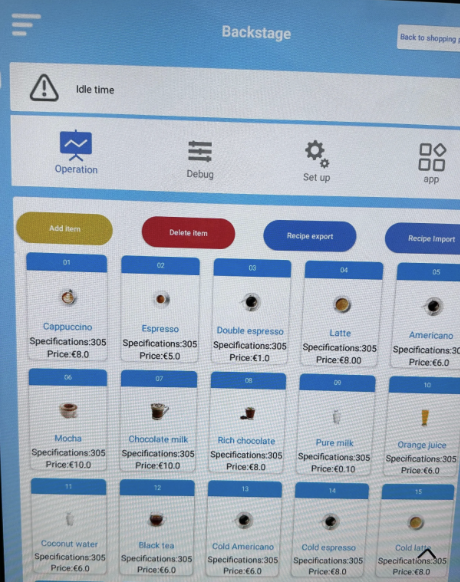
After these steps, your coffee machine should detect the boiler correctly and the error 39 will no longer be shown. The boiler is now set up, filled and ready to go.
